• $132.99
  • Free 30-day Returns
  • Ships from United States.
    Price alert
    Shop it at NeweggBusiness.

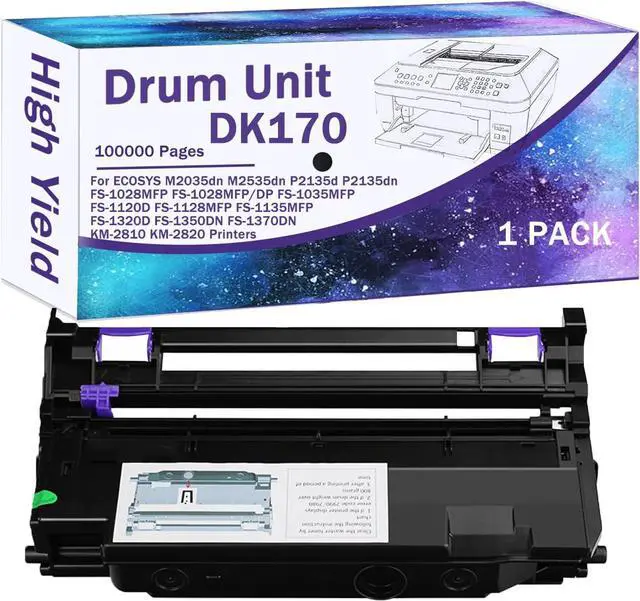
    DK-170 DK170 Compatible Drum Unit (Not Toner) Replacement for Kyocera DK-170 DK170 for ECOSYS M2035dn M2535dn P2135d P2135dn FS-1028MFP FS-1028MFP/DP FS-1035MFP FS-1120D FS-1128MFP Black 1 Pack

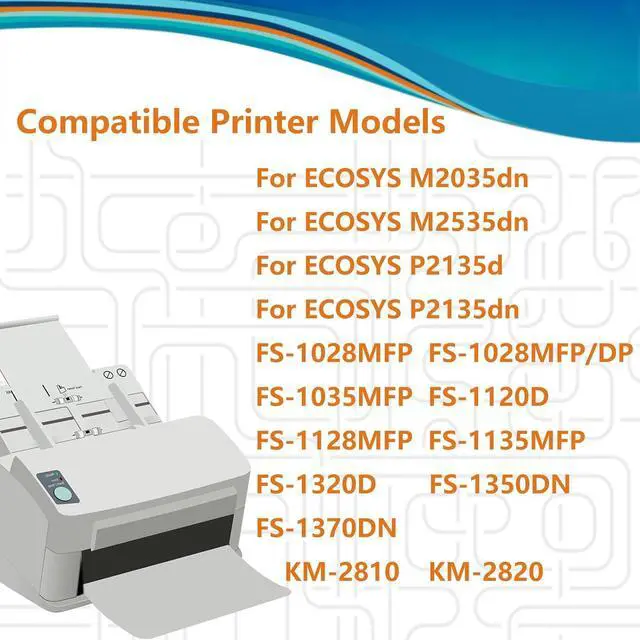
    • Compatible Printer Models: For Kyocera M2035dn M2535dn P2135d P2135dn FS-1028MFP FS-1028MFP/DP FS-1035MFP FS-1120D FS-1128MFP FS-1135MFP FS-1320D FS-1350DN FS-1370DN KM-2810 KM-2820 printers
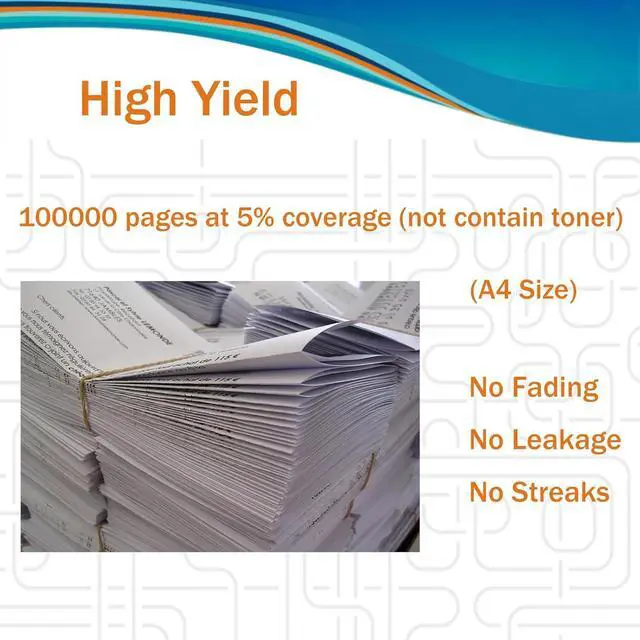
    • DK170 Drum Unit Page Yield: 100000 pages at 5% coverage of A4 size (no toner)
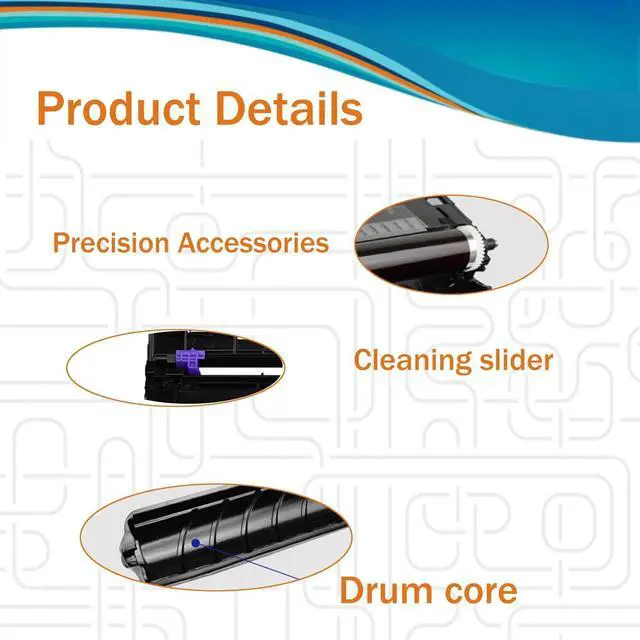
    • Exceptional Print Quality: High-precision drum and gears ensure consistent toner spread. Produces distinct text and detailed images for business, school, or home use
    • Effortless Installation: Tool-free design with clear instructions. Install it easily, no matter your experience level
    • Long-Lasting Performance: Made of strong materials with a wear-resistant coating. Resists damage, extends lifespan and cuts replacement needs
    +
    +
    Overview
    Specs
    Reviews
    Adaptation Printer Model Confirmation
    M2035dn M2535dn P2135d P2135dn FS-1028MFP FS-1028MFP/DP FS-1035MFP FS-1120D FS-1128MFP FS-1135MFP FS-1320D FS-1350DN FS-1370DN KM-2810 KM-2820 Printers


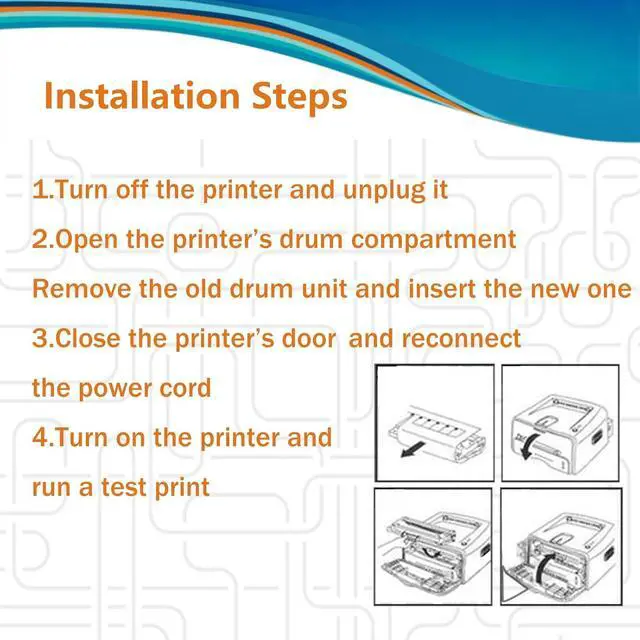
    Installation Steps
    1.Before you start, turn off the printer and unplug it from the power source to avoid any electrical risks. Locate and open the door where the drum unit is housed.
    2. Carefully take out the old drum unit. If your printer has indicator lights or prompts, follow them to ensure proper removal.
    3. Check the new drum unit for any signs of damage or defects. Make sure all parts are in good condition.
    4.Gently place the new drum unit into the printers drum compartment. Ensure it is properly aligned and securely seated. You may need to press down gently until you hear a click sound, indicating its properly installed.
    5. Once the new drum unit is in place, close the printers drum access door.
    6. Reconnect the power cord and turn on the printer. The printer may run an initialization process; just wait patiently.
    7.Run a test print to check the print quality. Make sure the text is clear and there are no streaks or shadows. If you notice any issues, double-check the drum unit installation.

    Warranty & Returns

    Warranty, Returns, And Additional Information

    Warranty

    • Please contact the Seller directly for warranty information. Warranty information may also be found on the Manufacturer's website.
    • CONTACT

    Return Policies

    Manufacturer Contact Info

    LOADING...