• $47.33
  • Free 30-day Returns
Ships from China.
Price alert
Shop it at NeweggBusiness.

Meet Your Seller

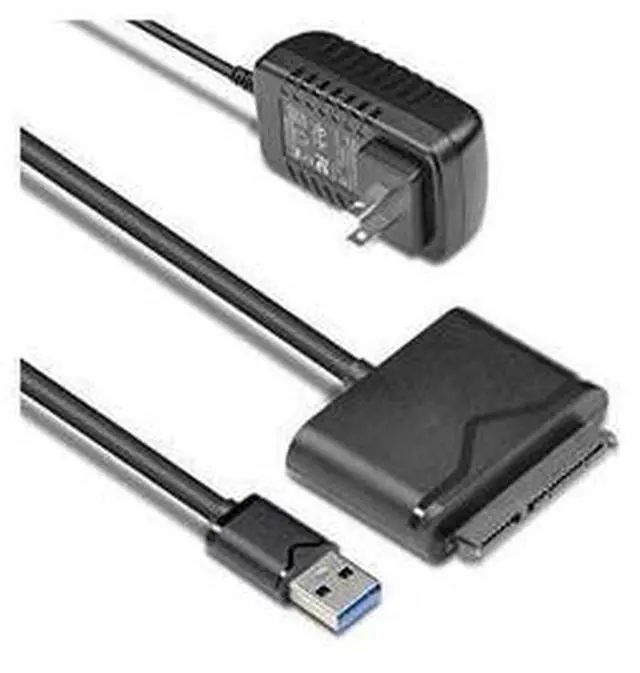
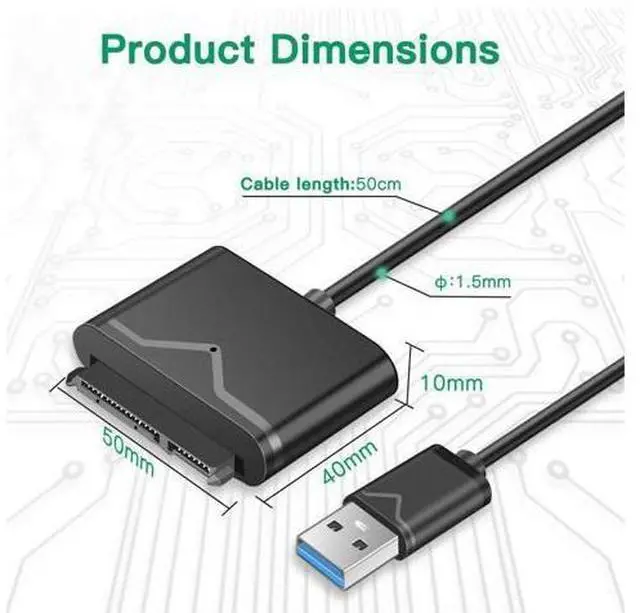
USB 3.0 to SATA Converter for Universal 2.5"/3.5" SATA HDD/SDD Hard Drive Disk, Hard Drive Adapter with 12V/2A Power Adapter & USB 3.0 Cable (UT-3112)

Limited time offer, ends 06/14 By Astral Tech

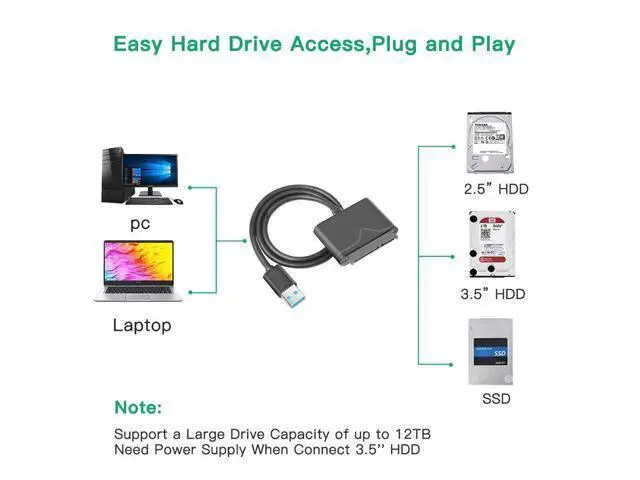
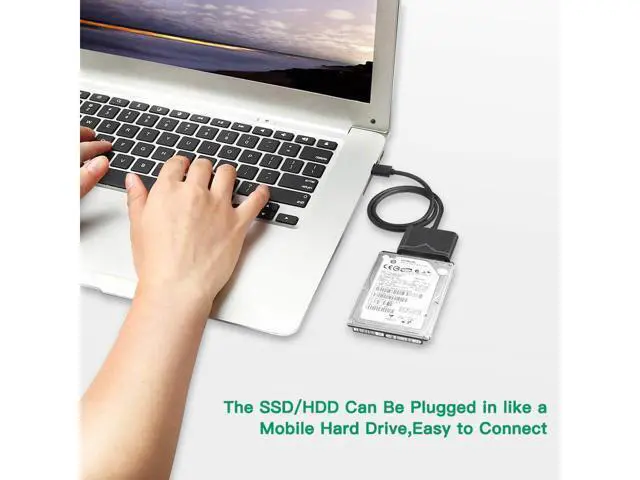
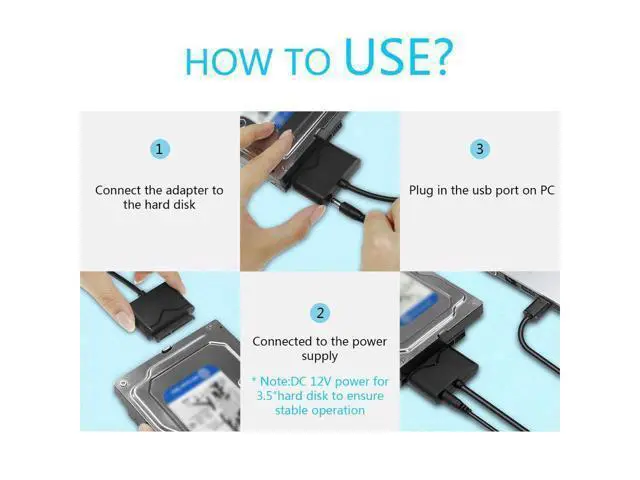
  • The USB 3.0 to SATA adapter cable lets you connect any 2.5'' or 3.5'' SATA drive and HDD drive to your computer through an available USB port -- the easiest way to upgrade the hard drive in your laptop by adding an external SSD via USB 3.0.
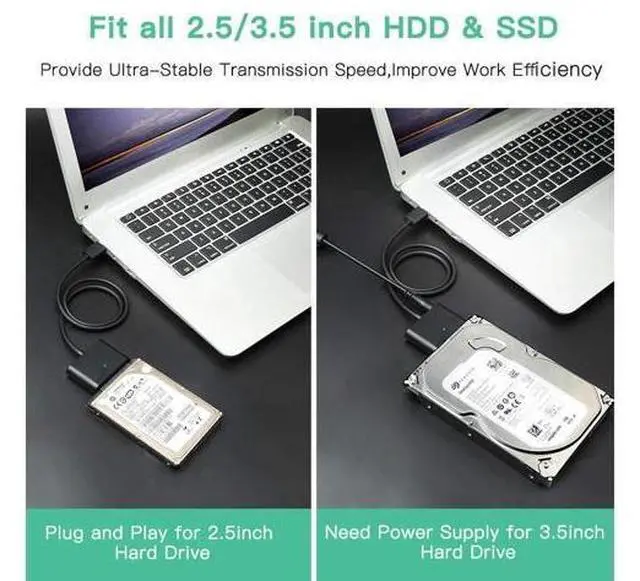
  • Support Devices: 2.5 /3.5 SATA SSD HDD, BLU-RAY DVD, CD-ROM, DVD-ROM, CD-RW, DVD-RW, DVD+RW Combo devices.
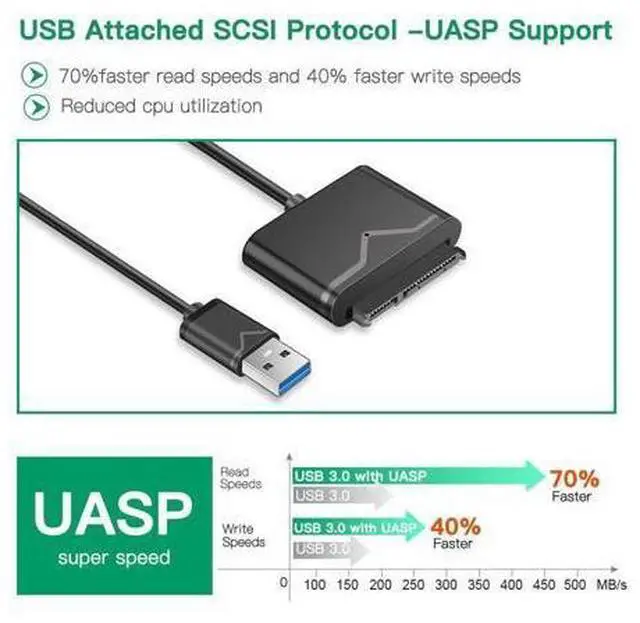
  • SuperSpeed USB 3.0: Data transfer rates of up to 6Gbps only for SSD. USB 3.0 version, supports data transfer speeds up to 5 Gbps, Backward compatible with USB 2.0 / 1.1. (Note: actual rate will depend on the capability of your device.)
  • Upgrade the Drive on Your Laptop
  • This SATA solid-state (SSD) or hard drive (HDD) adapter lets you upgrade to an external 2.5" 3.5'' SATA SSD or HDD.
  • The cable lets you:
  • Add drive space
  • Perform backups
  • Create disk images
  • Implement data recovery
  • Transfer content between the drive and the laptop
+
+
Overview
Specs
Reviews
The USB 3.0 to SATA adapter cable lets you connect any 2.5 '' or 3.5 '' SATA drive and HDD drive to your computer through an available USB port -- the easiest way to upgrade the hard drive in your laptop by adding an external SSD via USB 3.0..
Support Devices: 2.5 / 3.5 SATA SSD HDD, BLU-RAY DVD, CD-ROM, DVD-ROM, CD-RW, DVD-RW, DVD+RW Combo devices..
SuperSpeed USB 3.0: Data transfer rates of up to 6Gbps only for SSD. USB 3.0 version, supports data transfer speeds up to 5 Gbps, Backward compatible with USB 2.0 / 1.1.
(Note: actual rate will depend on the capability of your device. ). Upgrade the Drive on Your Laptop. This SATA solid-state (SSD) or hard drive (HDD) adapter lets you upgrade to an external 2.5" 3.5 '' SATA SSD or HDD..
The cable lets you:. Add drive space. Perform backups. Create disk images. Implement data recovery. Transfer content between the drive and the laptop.


Warranty & Returns

Warranty, Returns, And Additional Information

Warranty

  • Please contact the Seller directly for warranty information. Warranty information may also be found on the Manufacturer's website.
  • CONTACT

Return Policies

Manufacturer Contact Info

LOADING...